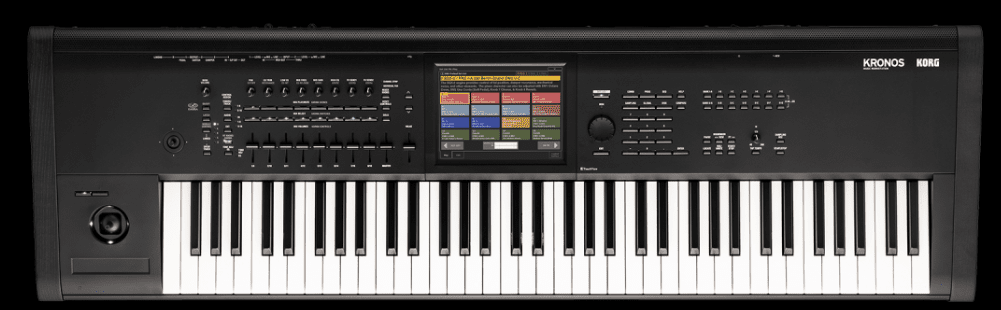
You’ve probably noticed how live-streamed gigs and compact rigs have pushed stage pianos into new roles, while workstations keep getting beefier with sampling and on-board production; so what fits your setup and workflow? If you want straightforward, weighted keys and plug-and-play reliability – go stage piano. But if you’re into sound design, sequencing and making whole tracks on one box, a workstation’s your tool. Tough choice? Yeah, it is.
What’s the Big Difference? Stage Piano vs Workstation
Surprisingly, the biggest gap isn’t tone – it’s how you use the instrument live versus in the studio. Stage pianos obsess over authentic piano touch and immediate presets so you can dial in a grand piano sound in seconds. Workstations, on the other hand, give you deep sound design, sequencing and multitrack capability so you can build entire arrangements on the keyboard. If you gig, you want reliability and feel; if you produce, you want routing, sampling and endless layering options.
Key Features of Stage Pianos
What hits you first is feel – most stage pianos give you a full 88-key graded hammer action and velocity control that mimics an acoustic grand. Manufacturers pack 128-256 voice polyphony, multi-layer stereo piano samples, balanced XLR outputs for stage rigs, simple patch-selection and durable chassis so your piano survives travel. You trade deep editing for plug-and-play ease and sonic realism, which is perfect when you need to nail a piano part live without fuss.
- Piano-focused sound engine with multiple velocity layers and sympathetic resonance modeling.
- 88-key graded hammer or semi-weighted keybeds tuned for authentic piano touch.
- Typically 128-256 voice polyphony to avoid note-stealing in dense passages.
- Balanced outputs (XLR), stereo outputs, headphone jack and often dedicated sub-out.
- Pedal inputs supporting sustain, half-damper, and sometimes expression/MIDI pedals.
- Rugged, road-ready chassis designed for easy stage setup and teardown.
- Streamlined interface with quick-access presets and fewer deep-edit menus.
- After you choose one, you’ll still want to test action, outputs and how patches sit in your band mix.


What Makes Workstations Stand Out?
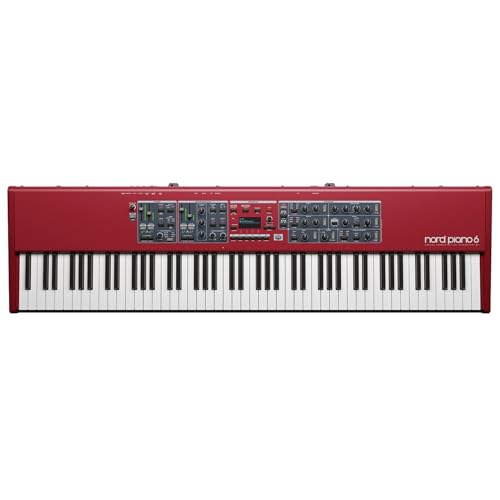
Oddly, a workstation is less about being the best piano and more about being a self-contained studio that fits on your keyboard stand. You get multitimbral voices (often 16 parts or more), integrated sequencers, sampling capability and deep synth engines – so you can layer pads, run a drum track and automate mixes from the front panel. If you like building songs without touching a computer, this is where you live.
Digging deeper, workstations like the Korg Kronos, Yamaha Montage or Roland Fantom combine multiple synthesis types (sample-based, FM, VA), onboard sampling with gigabytes of memory, and onboard song/arranger sequencing often supporting 32-128 tracks or pattern chains. You also get flexible routing – multi outs, bussing, per-part effects, tempo-sync’ed arpeggiators and realtime controllers for macros. So you can compose, perform and tweak arrangements live, export stems or control a DAW, all from one box – which is why producers still buy them even with modern plugins everywhere.
Why You Might Want a Stage Piano
Compared to a workstation, a stage piano gives you focused, playable piano tone and a streamlined live workflow – weighted hammer action, expressive velocity curves and simple panels so you tweak sound in seconds. Models like Nord Stage, Yamaha CP88 and Roland RD-2000 offer 73- and 88-key options, sturdy metal cases and presets tailored for gigs. You trade deep synthesis for immediacy and reliability, which means less setup fuss and more confidence onstage.
Portability and Simplicity
Compared to a bulky workstation, stage pianos are built to move – you pick a 73- or 88-key unit and get on with the gig. They cut menus and add physical knobs so you plug in, set levels and play; no deep menu diving between songs. Want lighter load-ins? Choose a 73-key. Want full-range feel? Go 88. Either way setup is faster and less annoying.
Ideal for Performers
Unlike a workstation stuffed with synth engines, a stage piano is tuned for live play – instant sound switching, straightforward controls and rugged footswitch inputs so you don’t fumble mid-set. You can layer piano with pads, split for bass and keys, and recall show presets on the fly. The Nord Stage and Yamaha CP88 are good examples of that live-first design.
While a synth chases endless modulation, a stage piano gives you pro I/O and tactile reliability: balanced XLR outs, stereo line outs, USB-MIDI and multiple pedal jacks so sustain and expression behave predictably. The keybeds are graded-hammer and many use triple-sensor tracking, so fast runs and delicate dynamics translate accurately. For gigging musicians who want consistency night after night, that practical engineering matters more than a thousand synth patches.
Workstations – The Swiss Army Knives of Keyboards?
This matters because if you want one box that can handle live patches, deep sound design, and finishing tracks, a workstation gives you that – you get 16-track sequencers, 64-128 voice polyphony on many models, onboard sampling and 24-bit audio recording, plus hands-on controls. So you can sketch a song at soundcheck, tweak patches between sets and bounce stems later, which saves you hauling a laptop and plugins to every gig.
Endless Sounds and Effects
This matters because your palette directly shapes what you play and produce – workstations commonly ship with 1,000+ programs, dozens of synthesis engines and 50+ effect types so you can stack reverb, delay, compression, amp models and modulation in chains. And you can layer patches, split zones and use multi-timbral setups; for example you might run piano on zone one, pad on two and a synth bass on three, all with independent effects and automation.
The Real Deal on Music Production
This matters because you don’t just want sounds – you want to finish songs, and workstations act like a compact DAW: pattern/linear sequencers, MIDI tracks, audio recording at 24-bit/48 or 96 kHz on many units, and onboard sampling/editing so you can capture ideas fast. So instead of patching through a laptop you can record, overdub and arrange entire demos right on the keyboard.
Because finishing fast matters to you – many workstations let you record multitrack audio (often 8-16 virtual tracks), punch in, comp takes and trim waveforms with sample-accurate edits, and then export stems to USB or SD. You can slice samples, time-stretch to project tempo, assign macros to knobs for realtime automation and route individual parts to separate USB audio channels for later mixing in a DAW. Models like the Roland Fantom and Korg Kronos illustrate this workflow – you can create a near-final mix without touching another device, then export 24-bit stems for finishing if you want.


My Take on Price – Is It Worth It?
Value vs Cost
You’re prepping for a two-week tour with about $2,500 and choosing between a stage piano’s Nord-quality keys (Nord Piano 5 ~ $3,499) or a used workstation like a Yamaha Montage you can get for ~$2,200. Which suits you?
Worth it?
If you need authentic weighted action and killer piano tone, pay up for a stage piano; but if you want synths, sequencing and sound design – a workstation like Korg Nautilus ($1,699) or used Kronos gives more features per dollar.
Differences Between Stage Piano Vs Workstation
How to Choose the Right One for You
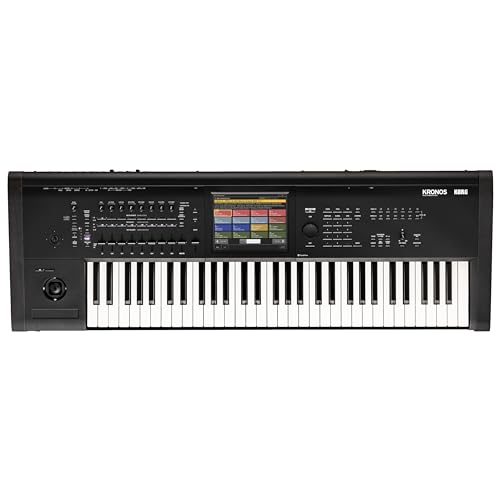
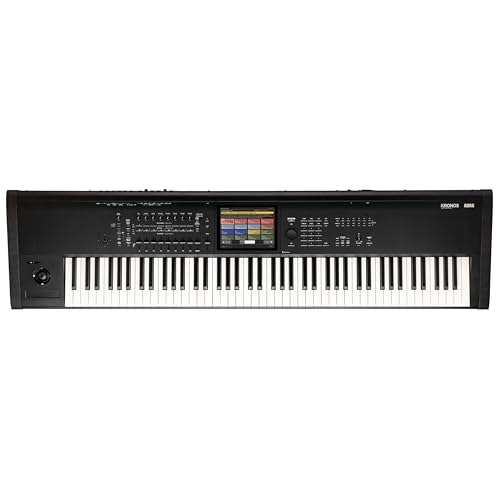
With recent firmware updates adding deep synthesis to some stage pianos, you’re forced to decide if you want an 88-key, graded-hammer feel for live piano work or a 61-key workstation like the Yamaha Montage or Korg Kronos for sound-design and sequencing. Do you gig with bands or produce tracks at home? If you need weighted keys and simple patch switching, go stage piano; if you want multitimbral sampling, 16-track sequencing and deep editing, pick a workstation for more bang for your buck.


Summing up
Considering all points, which suits you better: a stage piano or a workstation? If you gig a lot and want a straightforward, piano-first feel, you’ll pick a stage piano – solid keys, focused sounds, less fuss. But if you’re into sound design, sequencing and studio-style control, a workstation gives you power and flexibility, though it can be heavier to learn. Your choice comes down to whether you play gigs or build tracks, and you can always bridge both worlds later.