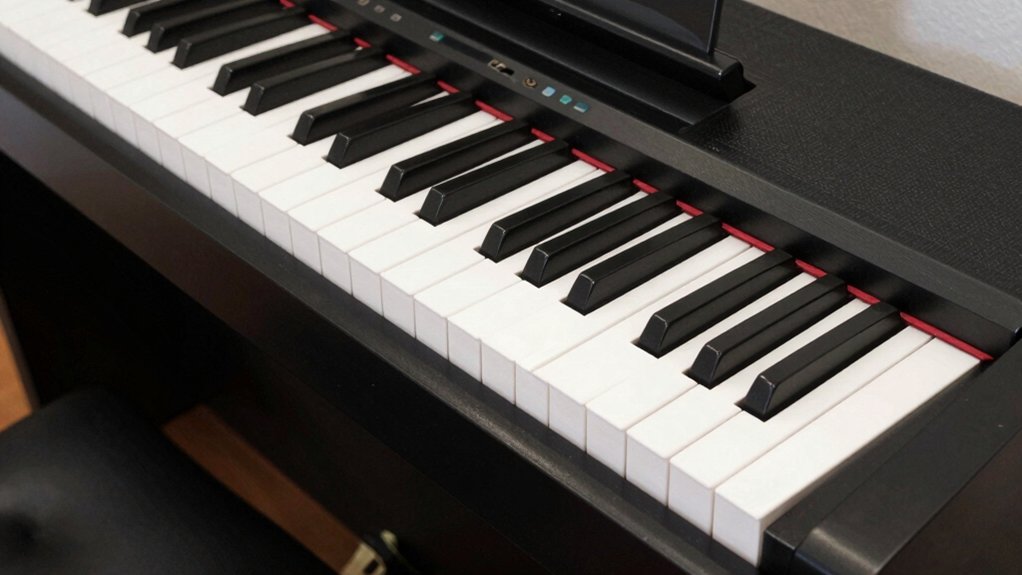
Digital piano maintenance requires far less effort than acoustic piano care, yet many owners neglect basic practices that prevent costly repairs, extend instrument lifespan, and maintain optimal performance for decades. Unlike acoustic pianos that demand professional tuning, regulation, and voicing, digital pianos need strategic cleaning, environmental protection, firmware updates, and occasional component care that most players can handle themselves with minimal tools and expertise. This practical guide reveals the specific maintenance tasks that actually matter for digital piano longevity, which common practices cause more harm than good, and how to troubleshoot issues before they escalate into expensive professional repairs or premature replacement.
The keys glint faintly like polished graphite as you settle in a stable room, aware that every degree and fraction of humidity matters. You’ll keep your digital piano reliable by disciplined placement, regular cleaning, and timely updates, while guarding against temperature swings and power fluctuations. It’s a careful balance of routine care and savvy maintenance—enough to question whether the next step is simple upkeep or a deeper system check, and you’ll want to know which path to follow next.
How to Extend Your Digital Piano’s Lifespan in 10 Practical Steps
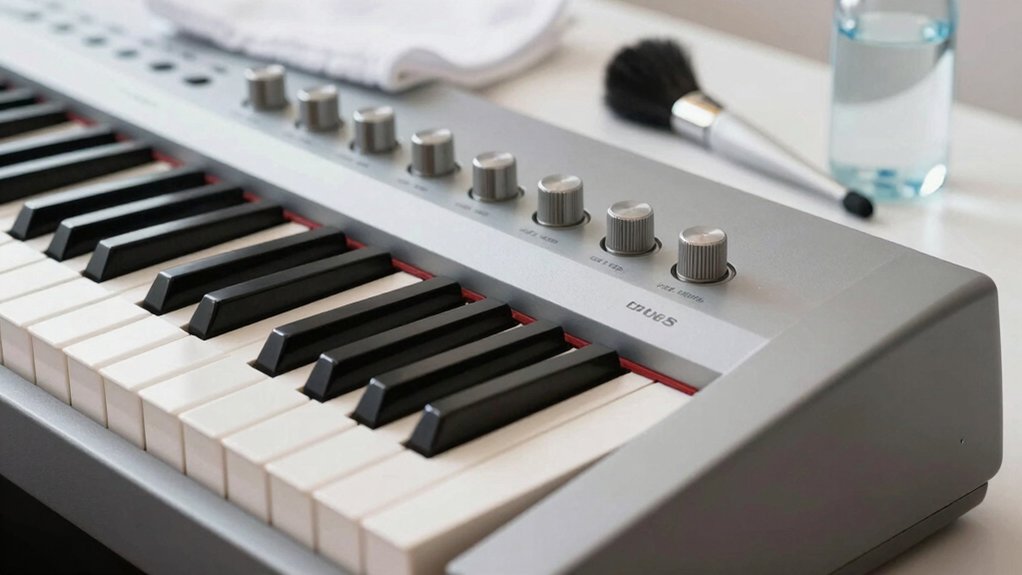
To extend your digital piano’s lifespan, start with proper placement and protection. Position the keyboard on a stable surface at chair height, avoiding vibration from nearby equipment. Use a lightweight, rigid cover when not in use to guard against dust and accidental impacts.
Maintain a climate-controlled space; excessive humidity or heat accelerates component degradation. Keep cables tidy to prevent wear at entry ports and reduce tripping hazards. Regularly verify power supply compatibility and use a surge protector with voltage regulation.
Clean keys with a soft cloth, avoiding liquids near electronics, and inspect keybeds for misalignment or sticking notes. Optimized seating and posture improve keyboard ergonomics, supporting accurate playing while reducing strain.
Focus on consistent touch sensitivity and responsive digital sound, ensuring your instrument remains reliable through routine, proactive care.


Daily Habits That Protect Keys and Action
Daily Key Cleaning, Proper Key Alignment, and Gentle Use Habits form the core of protecting your piano’s keys and action.
Establish a routine that removes surface dust, checks alignment, and uses even, controlled pressing to avoid stress.
Daily Key Cleaning
Regular daily key cleaning removes dust and oils before they accumulate, preserving key feel and action. You maintain sensitivity and response across the keyboard by following a controlled routine that minimizes abrasive contact and moisture exposure. Use minimal, lint-free supplies and perform only light surface wipes to avoid streaks or residue that could affect touch or calibration. Focus on consistency to support keyboard ergonomics and sound customization over time, ensuring uniform key travel and predictable feedback.
1) Power down and unplug before cleaning to avoid electrical risk.
2) Wipe with a dry microfiber, then a lightly damp cloth if needed, never solvent-based.
3) Clean between white and black keys with gentle, straight strokes.
4) Inspect for uneven wear and schedule periodic professional checks.
Avoid excess moisture; document changes for long-term maintenance.
Proper Key Alignment
Improper key alignment directly affects feel, action consistency, and long-term durability, so you should verify alignment as part of your daily routine. Proper key alignment guarantees uniform key travel and predictable tactile response across the keyboard.
You assess vertical symmetry, keytop height, and switch spacing with calibrated tools, noting any deviation from reference measurements. When you detect misalignment, you perform a controlled action adjustment focusing on the foremost and rearmost keys in each balance row, notching the intended travel with minimal force to avoid stem damage.
Maintain consistent cabinet humidity and debris-free key tops to prevent drift between checks. Document measurements, adjust only to the manufacturer’s spec, and re-test for uniform keystroke feel. Regular checks prevent cumulative wear and preserve action reliability.
Gentle Use Habits
Gentle use habits establish a foundation for long-term action reliability by minimizing stress on keys and stems. You protect touch sensitivity and action longevity by deliberate, consistent routines that align with digital piano accessories and musical keyboard ergonomics. Maintain even key press force, avoid sudden depressions, and practice with controlled velocity across registers.
Regular inspection of key spacing and hammer/motion alignment prevents drift and unnecessary wear. Use proper cooling, humidity control, and dust management to sustain lubrication and switch integrity.
- Calibrate touch periodically to match ergonomics, avoiding excess force
- Clean surfaces without liquid intrusion, preserving switch and stem integrity
- Use appropriate accessories to shield keys during transport and storage
- Schedule routine checks for key alignment, let-off, and escapement response
Clean Your Digital Piano Safely Without Damaging Surfaces
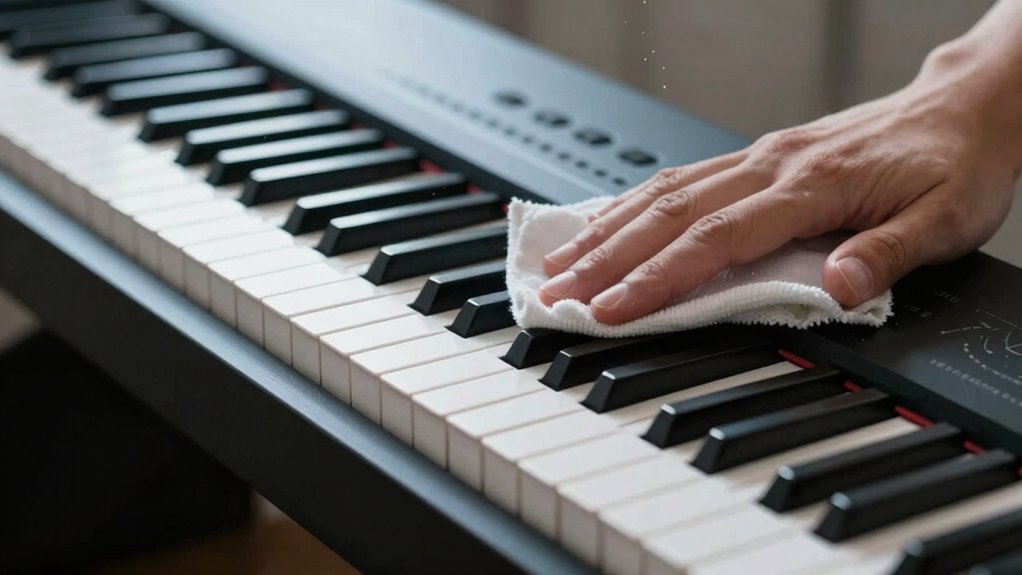
You should start with safe, surface-compatible cleaning methods that won’t affect gloss or finishes. Use surface-safe materials and tools, and apply techniques that remove dirt without moisture intrusion or residue.
We’ll discuss practical steps for dirt removal and how to verify each method preserves surfaces while maintaining keyboard and control accuracy.
Safe Cleaning Methods
Are you unsure how to clean a digital piano without causing damage? You can follow precise methods that protect surfaces while preserving playability and history. Use controlled, minimal moisture and non-abrasive tools to avoid residue and wear. Consistency with manufacturer guidelines guarantees keyboard ergonomics remain intact and the instrument’s value aligns with digital piano history.
- Power off, unplug, and remove dust with a microfiber cloth.
- Lightly dampen cloth (not dripping) for stubborn spots; wipe in the direction of key edges.
- Avoid solvents; test on a hidden area if unsure.
- Dry promptly with a separate microfiber cloth to prevent streaks.
This approach preserves tactility, prevents transients, and maintains the integrity of the keyboard surface for long-term reliability.
Surface-Safe Materials
Staying within safe materials is key to maintaining finish integrity and playability. When you select cleaners, verify ingredients against your instrument’s surface chemistry, prioritizing surface safe materials that resist streaks, residue, and discoloration. Avoid ammonia, bleach, and abrasive compounds that can degrade coatings or protective finishes.
For glossy plastics, use a microfiber cloth lightly dampened with water or a pH-balanced cleaner formulated for electronics. For wood veneers or laminates, choose a product labeled safe for contact with polyurethane or melamine finishes. Always test unnoticeable areas before full application.
Apply cleaner in a circular, minimal-dampness motion; never spray directly onto the surface. Wipe promptly, then dry with a clean cloth to prevent moisture ingress. Store cleaners sealed and upright, away from heat.
Dirt Removal Techniques
Dirt removal on a digital piano should be deliberate and surface-safe to prevent scratches or moisture intrusion. You approach cleaning with controlled motions, using materials that won’t abrade finishes. Focus on minimal liquid exposure and proper tools to protect keys, screens, and chassis.
For effective dust removal and fingerprint cleaning, implement methods that lift debris without grinding it into seams.
- Use a microfiber cloth lightly dampened with isopropyl-free cleaning solution, then dry immediately.
- Gently sweep dust from crevices with a soft brush; never press liquids into gaps.
- Apply targeted passes on keys and control panels to avoid moisture on electronics.
- Inspect surfaces after each step, repeating only as needed to maintain clarity and finish integrity.
How Temperature and Humidity Affect Your Piano (Storage Best Practices)
Temperature and humidity levels directly influence piano tuning stability, soundboard integrity, and action response, so maintaining consistent environmental conditions is essential. You’ll control fluctuations by establishing a stable climate control strategy and monitoring the storage environment daily.
Aim for a relative humidity range around 40–60% and a stable temperature in the 65–75°F band, avoiding extremes that stress wood, glue, and cast components. Place the instrument away from exterior walls, heat vents, and direct sunlight, and use a hygrometer and thermometer to log readings.
If humidity swings occur, employ a humidifier or dehumidifier as needed, and allow gradual acclimation after relocation. Consistent placement, minimal rapid changes, and reliable moisture management preserve resonance, action feel, and tuning integrity over years.
Regular checks ensure long-term piano health.
Safe Transport and Handling for At-Home and Tour Use
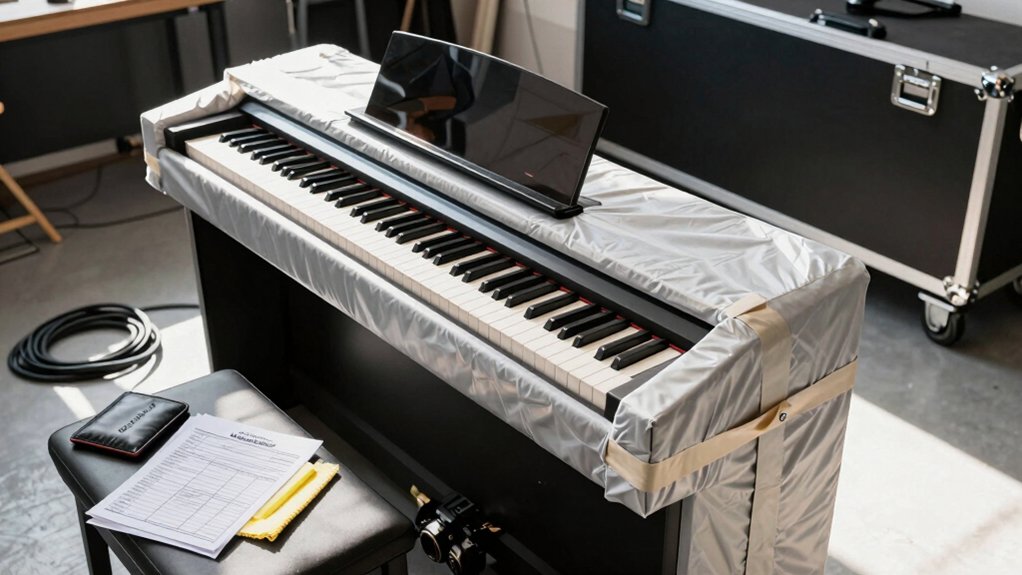
Safe transport and handling are critical for protecting the piano’s action, soundboard, and finish during at-home storage and on tour. You must plan routes, secure mounting, and monitor weight distribution to prevent shock and tilt. Use purpose-built cases, padded dollies, and vehicle ramps to minimize impact.
Inspect hardware after every move, and re-tune settings when stabilized. Maintain clear communication with handlers about delicate components and load limits. Transport safety and handling precautions reduce risk of structural damage, cosmetic flaws, and misalignment that can degrade performance over time.
- Use purpose-built cases and padded dollies to absorb impact.
- Verify weight limits and secure latches before transport.
- Elevate and level the piano during loading and unloading.
- Recheck string tension and action alignment after movement.
Grab An Extended Warranty For Peace Of Mind
Keeping It Up to Date: Firmware and Software Maintenance
Keeping firmware and software current is a practical extension of proper maintenance, ensuring your digital piano remains reliable after safe transport and handling. You should plan a structured update routine, verifying compatibility with your model before any action.
Begin with official sources to obtain firmware updates and software upgrades, avoiding third-party files that could expose the instrument to risk. Back up user data and factory presets if available, then follow exact manufacturer instructions for installation, including power stability and uninterrupted sessions.
Use a connected computer or USB device as directed, and confirm post‑update integrity with a test keyboard, sound engine, and performance features. Document version numbers, dates, and any observed anomalies for future reference.
Regular, disciplined updates preserve compatibility and function without introducing instability.
Power, Batteries, and Backups: Essentials for Pianos With Pedals
Power stability and reliable backups are essential for pianos with pedals, especially when portable or used in varied environments. You’ll emphasize consistent power management to prevent performance dips during sessions or gigs.
Rely on tested backup batteries to maintain pedal functions during outages or cord pulls, ensuring uninterrupted response.
- Assess power sources: preferred mains with clean supply, or certified UPS with sufficient VA rating.
- Maintain backup batteries with regular replacements and state-of-charge checks.
- Use surge protection and low-noise power strips to minimize interference.
- Document battery and power equipment life cycles for proactive maintenance.
This approach minimizes pedal latency, preserves action feel, and guards against data loss in digital components reliant on steady power.
Troubleshooting Common Long-Term Touch and Tuning Issues
After ensuring stable power and reliable backups from the previous subtopic, you’ll focus on identifying and addressing long-term touch and tuning irregularities that emerge with continued use. Begin with a controlled diagnostic of touch sensitivity across dynamic ranges, noting any gradual drift in response, latency, or inconsistent velocity curves. Chart changes systematically by keyboard region and compare against factory specifications; subtle tapering often signals hammer let-off wear or action lubrication needs.
For tuning stability, perform a staged temperature and humidity check, verify pitch conformity with a calibrated tuner, and log drift over time per note or register. Tolerances tightening can result from string resonances, soundboard aging, or pin block tension shifts. Apply targeted regulation only after confirming measurements, avoiding over-correction that could introduce new instability.
Budget Upgrades and When to Seek Professional Help
Budget upgrades can improve performance without breaking your budget, but you should balance cost against anticipated gains and long-term reliability. You’ll optimize once you identify practical enhancements, prioritize proven digital piano accessories, and verify compatibility with your model. When in doubt, consult the user manual tips and manufacturer guidance before purchasing upgrades or accessories.
1) Assess necessity: distinguish essential reliability from convenience enhancements.
2) Prioritize quality: choose certified parts and reputable brands to minimize risk.
3) Plan installation: follow step-by-step procedures in the user manual and test after each stage.
4) Know limits: recognize when to seek professional help for hardware, sensors, or action adjustments beyond routine maintenance.
Conclusion
Conclusion (75 words):
You can reliably extend your digital piano’s life by following these precise care habits, from stable placement and controlled humidity to regular firmware updates and safe transport. In fact, studies show proper humidity control—roughly 40–60%—minimizes keybed expansion and contact wear, reducing long-term action drift. Keep surfaces clean with lint-free cloths, use surge protection, and back up settings. With meticulous upkeep, your instrument can stay responsive and vibrant for decades, even under frequent use or touring.