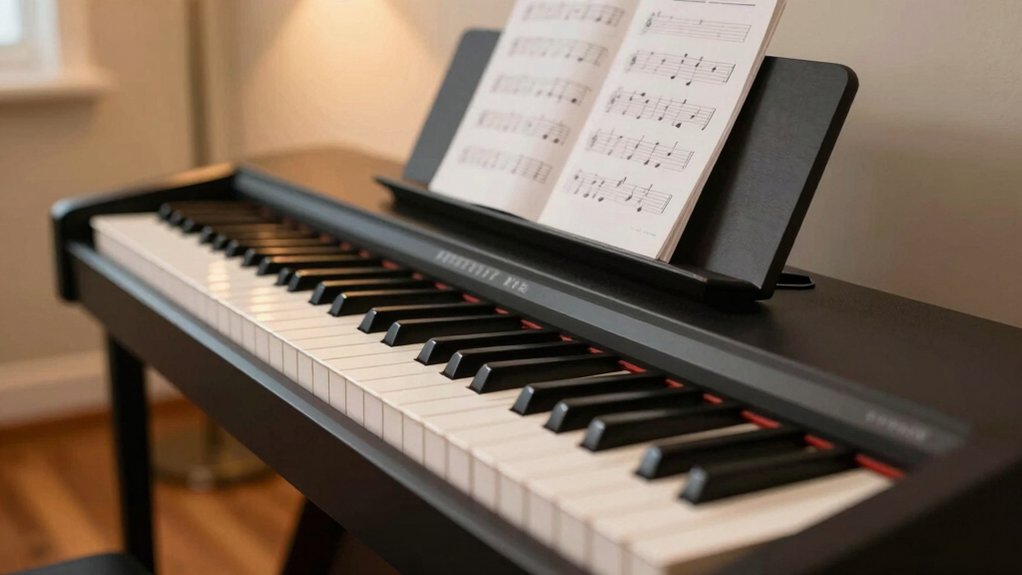
Is a digital piano worth it for beginners is a question that divides piano teachers, parents, and music store salespeople, with passionate arguments on both sides about acoustic versus digital instruments for new learners. The honest answer depends on your living situation, budget constraints, and commitment uncertainty—factors that make digital pianos either a brilliant practical choice or a compromise that could impact your musical development. This straightforward analysis cuts through the marketing hype and purist opinions to reveal exactly when digital pianos serve beginners exceptionally well and when you’re better off finding an affordable acoustic alternative.
A digital piano can feel surprisingly practical to start with, offering realistic touch and quiet practice you can do with headphones. You’ll get built-in metronomes, lesson modes, and adjustable sounds that keep you progressing without loud distractions. It’s portable, easy to set up, and typically lower in cost than an acoustic piano, with less maintenance to boot. But there are trade-offs to weigh before you decide, especially if you want to know when it’s the right move for you and how to choose.
Is a Digital Piano Right for Beginners?
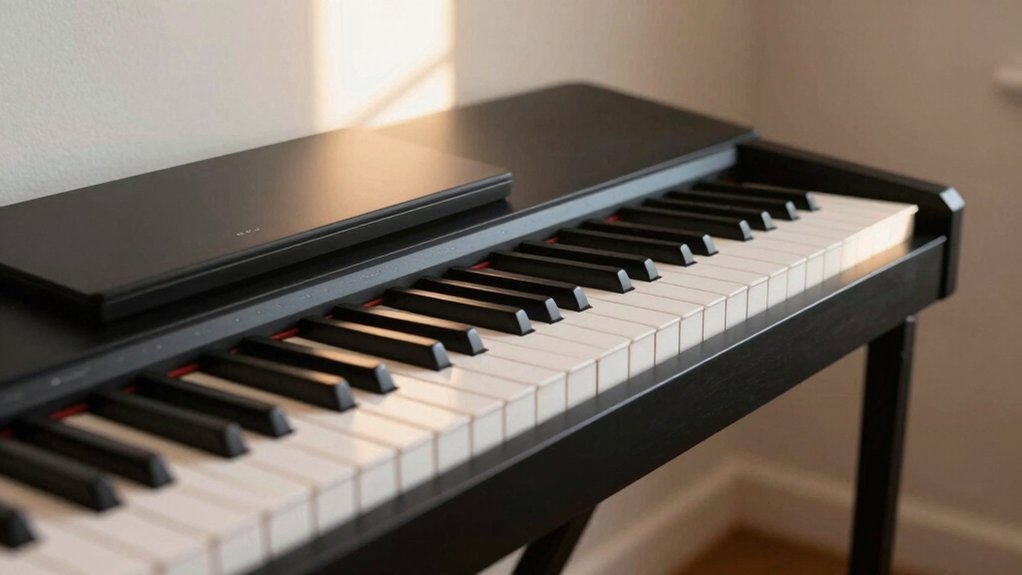
Yes, a digital piano can be a solid choice for beginners. You’ll appreciate its teachable setup: responsive keys, adjustable touch, and quiet practice.
If you’re weighing options, choose a model with full-sized keys, a sustain pedal, and headphone output for uninterrupted study.
For beginner lessons, start with basic scales and simple melodies to build finger strength and coordination. Integrate music theory as you go—count rhythms, identify notes, and relate them to scales and chords you practice.
Use built-in metronome or rhythm guides to keep time during drills. Set a practical practice schedule, focusing on short, consistent sessions rather than long, sporadic ones.
The right digital piano makes learning accessible, keeps you motivated, and supports gradual progress in both technique and theory.
The Core Advantages for Rookie Players
You’ll notice how keyboard responsiveness makes scales and patterns feel natural, helping you learn faster with precision.
Its portability means you can practice in tight spaces or on the go, so consistency stays up even when life gets busy.
This combination supports focused practice time, turning small sessions into steady progress.
Keyboard Responsiveness Benefits
Keyboard responsiveness is the core advantage beginners notice first: a keyboard that responds quickly and predictably makes learning smoother and less frustrating. You’ll feel a direct connection between your touch and the sound, helping you stay in the groove without guessing.
Look for key responsiveness that reacts to your dynamics—soft touches for gentle passages, firmer presses for accents. This consistency reduces mistakes and builds confidence as you practice scales, rhythms, and melodies.
Tactile feedback matters, so you can sense the key movement without looking. A keyboard with balanced, even spacing also prevents fatigue during longer sessions.
Portability And Practice Space
Portability and a compact practice space shape how often you actually play. When you pick a digital piano, you’ll notice it fits tighter rooms and quieter environments without sacrificing essential features. The key is balance: choose a model that’s light enough to move, yet sturdy enough for daily use.
Prioritize digital piano portability if you travel or study in different spots, and look for built-in metronome, headphones, and USB/MIDI connections to keep practice focused.
For practice space considerations, select a surface height and chair that align with your posture, and ensure there’s room for sheets or apps on screen. A compact setup reduces friction, so you practice more consistently and track progress without rearranging your entire living area.
Where Digital Pianos Fall Short of Real Pianos
You’ll notice digital pianos can’t perfectly mimic all piano touch—weighted keys feel sometimes differ, with stiffness or inconsistency across models.
Sensor noise can interrupt note clarity at quick passages, and pedal action often isn’t as responsive or expressive as a real grand.
Consider these limits as you compare models and decide what matters most for your practice goals.
Weighted Keys Feel
For many beginners, the biggest shortcoming of most digital pianos is the feel of the keys. When you press, you’ll notice the difference between graded hammer action and lighter, synth-style keyboards.
A sturdy key action helps you develop proper finger technique and dynamics, so you can translate your practice into real piano roars of expression. Look for weighted keys with graded touch, not just a hard, uniform resistance.
This matters more for scales, arpeggios, and expressive passages. If you want sound realism, test how the keyboard responds to gradual velocity changes and how it decays after each note.
Sensor Noise Limits
Sensor noise is where digital pianos can fall short of the real thing. You’ll notice that even with cleanly pressed keys, some subtle notes may shimmer or twitch due to sensor noise.
In practice, this means you can hear faint random glitches or tiny pops that don’t exist on an acoustic piano. Digital interference from nearby electronics or power sources can worsen the effect, especially on inexpensive models.
To minimize it, place your unit away from strong transmitters, use a grounded outlet, and keep cables tidy. Check firmware updates and choose higher-quality samples with better noise suppression.
If you’re choosing a beginner model, test in-store with headphones to assess how intrusive the noise feels during quiet passages. Prioritize models with solid shielding and stable outputs.
Pedal Action Variances
Pedal action is where digital pianos often feel distant from the real thing. You’ll notice differences in how the sustain pedal behaves, especially on entry‑level models. Compare how long notes ring, how quickly they decay, and whether the pedal creates a true continuous sustain or a stepped cutoff.
Practice with simple chords to assess pedal sensitivity: does a light press sustain fully, or do you need a firmer push? Some units offer half‑pedal or continuous control, which helps simulate pedal nuances on a grand.
If you rely on precise pedal timing, test multiple brands and firmware updates. Remember: feel and response vary by action type. Choose a model whose pedal behavior aligns with your technique goals and repertoire needs.
How to Choose Features That Matter for Beginners
When you’re choosing a beginner digital piano, focus on features that directly affect playability and learning. Prioritize responsive keys, reliable metronome, and clear split or layer options so you can practice hands separately and together. Look for simple pairing with headphones to avoid distractions, and an easily navigable menu so you can access essential settings without frustration.
Favor built‑in teaching tools and a tempo range that matches your pace, plus a compact footprint if space is limited. Guarantee the instrument supports essential functions you’ll use early on, like transpose, auto‑accompaniment, and lesson modes. Opt for a model labeled as beginner features, avoiding gimmicks.
In short, choose a digital piano that streamlines practice, reinforces progress, and stays consistent with your learning goals.
Does Graded Hammer Action Matter for You?
Graded hammer action changes how your fingers feel as you play, so you’ll notice a difference in control and expressiveness.
Consider keyboard weight and how it lines up with your current piano experience, since that affects technique and comfort.
Weigh budget against your real needs—graded action can matter most if you plan to progress beyond basic pieces or simulate acoustic feel.
Graded Action Feel
If you’re deciding whether graded hammer action matters, start by understanding what it does: heavier touch heavier keys at the lower end of the board, lighter touch higher up. Graded action aims to mimic a real piano’s dynamic response, not just the sound.
You’ll notice the key response changes as you move down the keys, creating a more natural feel when you play scales, melodies, or chords. This “graded” nuance influences your precision and control, especially at weaker or stronger finger pressures.
In practice, test both types side by side: note how the digital feel shifts with touch, and decide whether that variation helps you learn mechanics or confuses your technique. Your choice should support consistent practice sessions and accurate rhythm and dynamics.
Keyboard Weight Difference
Moving from how graded hammer action affects touch, you’ll also feel a difference in overall keyboard weight. The key weight varies between models, influencing how you interact with the keys every day.
If you prefer a heavier, more piano-like feel, look for graded or modeled hammer action with stiffer lower keys. Lighter setups reduce fatigue but can compromise touch sensitivity and dynamic control.
In practice, test both weighted and semi-weighted boards to assess how your playing responds at soft and loud dynamics. Consider how much you value consistency across registers; some keyboards keep a uniform weight, which simplifies technique but may feel less authentic.
Budget vs Realistic Needs
Budget constraints force you to weigh needs against features that won’t always translate to better playing. When you’re deciding if graded hammer action matters, stay practical: match tools to your goals, not trends.
Use this quick framework:
- Compare price ranges and find how much you’re willing to invest now.
- Check price comparison across brands for similar actions and keys.
- Evaluate brand reputation for durability and service, not just hype.
- Consider your long-term needs—will you outgrow a basic action quickly, or stay satisfied?
If you’re mostly playing scales and beginner pieces, you may not need premium hammer action. Prioritize reliable keys and customer support to avoid surprises.
This keeps your budget realistic while preserving progression possibilities.
Sound Quality and Features That Boost Practice
A digital piano’s sound quality and features can make practice more productive from day one. You’ll notice sound clarity matters: clean tones help you hear pitch, rhythm, and dynamics more accurately, reinforcing correct technique.
When you choose models, prioritize responsive key action and a realistic piano feel, so your touch translates to the keyboard. Use built-in metronomes, adjustable tempo, and phrasing cues to structure sessions efficiently.
Extra features—like recording options, layer or split sounds, and adjustable touch curves—let you experiment without extra gear. The right speakers or headphone output ensure you hear subtle nuances, guiding smoother progress.
Keep expectations practical: start with essential sounds, then gradually explore enhancements as your skills grow.
Headphone Practice: Changing Your Routine
When you practice with headphones, you can lock in accuracy without disturbing others, so adjust your routine accordingly. With silent practice in mind, you’ll train listening skills and rhythm more consistently. Focus on cadence, dynamics, and touch, then verify by recording yourself.
- Set goals for each session to maximize headphone comfort and minimize fatigue.
- Alternate between metronome-focused drills and expressive passages to balance precision and musicality.
- Use short, focused runs, then long, relaxed phrases to build stamina while staying quiet.
- End with a quick review note to track progress and adjust future goals.
Space, Budget, and Portability Considerations
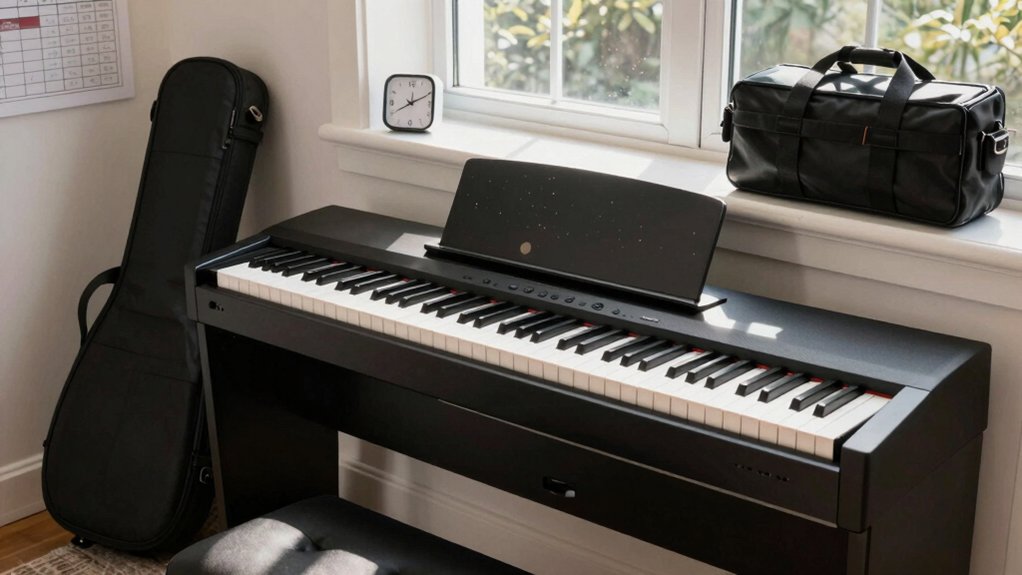
Great, let’s zero in on space, budget, and portability. You’ll evaluate a digital piano by how much room it actually uses and whether it fits your setup. Prioritize space efficiency: measure where it lives, including height for stands, knees, and bench space.
For budget, compare upfront cost, ongoing fees, and features that matter, like built‑in metronome, USB, and headphone reliability.
Consider portability if you travel or perform casually; lighter, compact models are easier to move, but weigh durability against frequent handling. Look for collapsible or compact stands and stackable accessories to maximize space without clutter.
In cost considerations, beware hidden costs such as power adapters or pedal upgrades. Balance your needs with a practical, scalable arrangement that supports steady practice.
When a Digital Piano Can Launch You Toward a Real Piano
If you’re aiming to shift from digital to real piano, a digital piano can be the bridge you need by building technique, touch, and listening skills that transfer to an acoustic instrument.
You’ll notice improvements fastest when you:
- Practice dynamic control across music genres, focusing on subtle gradations in tone.
- Compare keyboard actions from trusted digital piano brands to choose a model with hammer-like feel.
- Map repertoire that translates well to an acoustic piano, avoiding overly synthetic textures.
- Listen critically to sustained notes and pedaling, then replicate them on a real instrument for clarity and projection.
Use this bridge to refine sight-reading, rhythm, and phrasing, then confidently advance to a concert-ready setup.


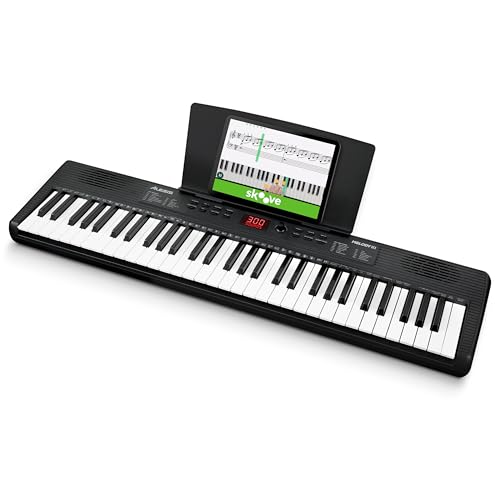
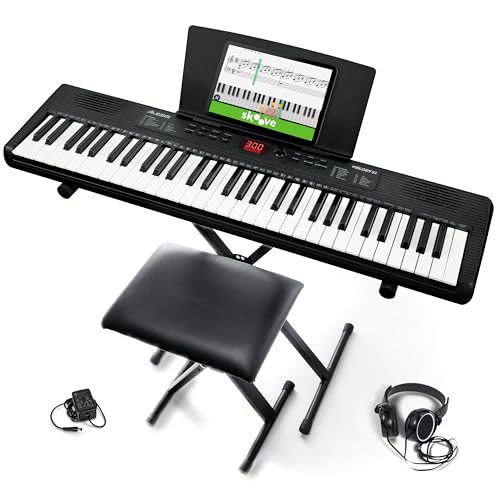

Beginner-Friendly Practice Strategies That Work
Starting with a solid, repeatable routine beats cramming sessions, so start simple and build consistency. Set a short, daily practice window and commit to it. Begin with a clear goal, like learning two measures or a short motif, then expand gradually. Use a metronome to lock in tempo and reinforce rhythm.
Integrate quick, focused warmups—scales, finger patterns, and simple chords—to build control. Include music theory basics in context, tying patterns to scales and chord progressions so you see relevance beyond rote repetition. Track progress in a practice journal, noting what worked and what didn’t.
Regular maintenance tips matter: clean keys, adjust bench height, and verify pedal function. Finish with a brief review to reinforce learning and prevent slip-ups.
Common Mistakes to Avoid With Digital Pianos
Digital pianos are a great fit for beginners, but small missteps can slow progress or feel frustrating. You’ll avoid frustration by recognizing common traps and correcting them early.
1) Skip the basics. Jumping into advanced pieces harms technique and confidence.
2) Neglect maintenance. Regular dusting, key cleaning, and proper placement protect action and sound.
3) Ignore lesson plans. Following beginner lesson plans gives steady, trackable progress instead of wandering practice.
4) Unsuitable touch or volume. Set a responsive keyboard and comfortable headphones or speakers for consistent tone.
Keep digital piano maintenance on your radar even during busy days, and build a simple practice routine around proper posture, scales, and short daily sessions.
Pair this with clear beginner lesson plans to maximize every session and avoid wasted effort.
Quick-Start Checklist to Buy Confidently
To buy confidently, use this quick-start checklist: determine your budget, pick your budget range, and decide which features matter most for a beginner.
Start with a solid baseline: 88 weighted keys if you want piano feel, or non-weighted to save money.
Prioritize realistic touch, reliable speakers, and a decent headphone output for quiet practice.
Consider built-in learning aids like metronome, layer/duet modes, and beginner-friendly presets.
Compare sound samples and check for sustain, aftertouch, and key responsiveness in your price tier.
Think about music theory support and whether the keyboard offers interactive lessons or sheet music apps.
Verify compatibility with stands, benches, and future upgrades.
Finally, take note of warranty and service in your region to protect your investment.
Conclusion
A digital piano isn’t magic, yet it’s a practical doorway. You’ll enjoy quiet practice, built‑in learning tools, and space‑saving convenience, while still building real technique. But it’s not a perfect replica of an acoustic piano, and you’ll miss touch and resonance without effort. Juxtapose cost and accountability: save money now, commit to steady practice, and plan for a later upgrade if you crave authentic feel. In short, it’s a smart, accessible launchpad—when you use it purposefully.