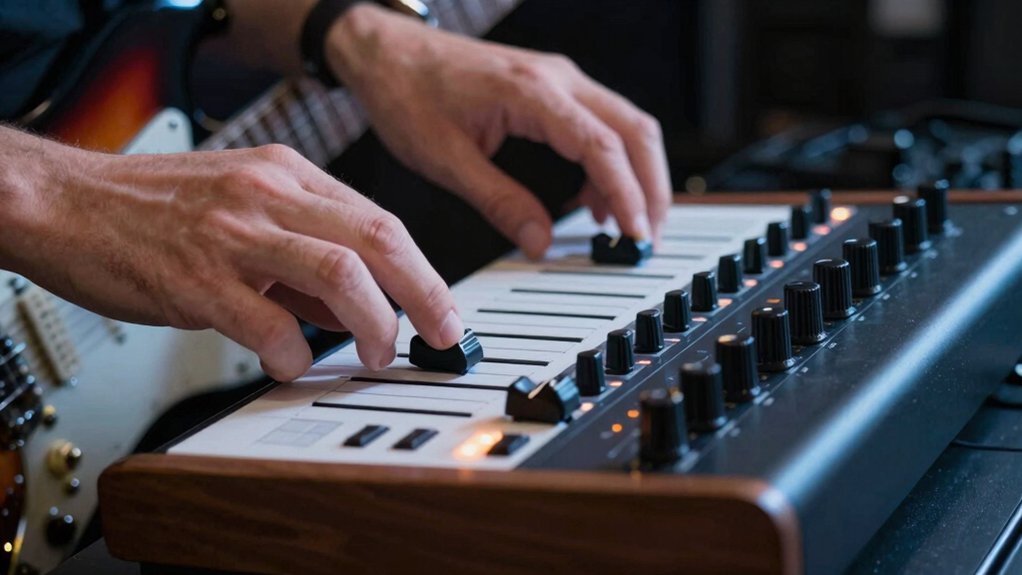
Touch sensitivity is your secret to a professional sound. When you calibrate how your keyboard, controller, or pickup responds to touch, you’ll hear cleaner tones at soft dynamics and more bite when you dig in. Get the feel right, and your consistency across sessions improves auto-magically. There’s more to dial in—like velocity curves and pluck response—that can change everything you hear. Keep going and you’ll uncover nuanced control that sets you apart.
Why Touch Sensitivity Matters for Your Tone
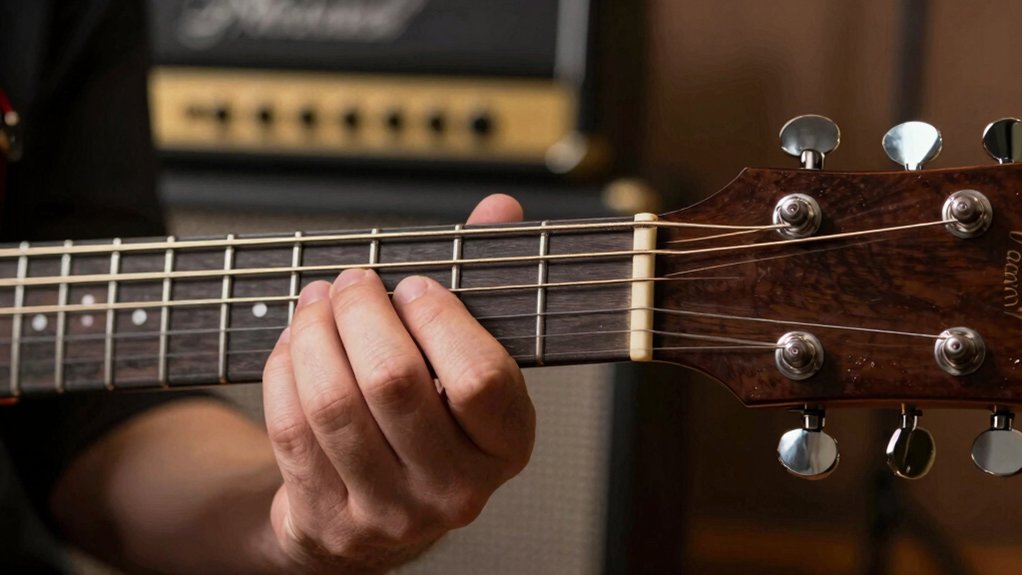
Touch sensitivity shapes your guitar’s response to picking dynamics and attack. You’ll notice that subtle variations in touch alter your tone, from soft whispers to bold accents, shaping the perceived sustain and pick attack. This isn’t magic; it’s a practical tool that links your fingers to the sound you intend.
When you press lightly, you’ll hear cleaner notes with more finger-defined articulation; dig in, and you’ll assert body and grit. Keyboard dynamics come into play when you’re layering or blending parts, so you can sculpt contrast without changing your pick technique.
Use sensitivity as a consistent cue for expressive playing, ensuring your tone stays intentional across sessions and genres. The result is a more reliable, responsive acoustic and electric balance.
Grab An Extended Warranty For Peace Of Mind
Calibrate Keyboard Velocity Curves for Consistency
Calibrating your keyboard’s velocity curves guarantees consistent dynamics across every patch and sound. You’ll map how hard you strike a key to the resulting output, ensuring no patch shifts suddenly.
Begin with a baseline curve that represents neutral touch, then compare soft and hard presses at multiple velocities. Use velocity mapping to align perceived loudness with your playing intensity, reducing surprises when switching patches.
Adjust bend points, slopes, and endpoints to tighten response without clipping. Validate by playing a simple scale and a short phrase, noting inconsistencies. Iterate until soft notes and strong notes share a similar dynamic range.
Document the curve if your setup supports presets, so you can reproduce the same keyboard dynamics on future sessions. Consistent velocity curves streamline expression across your rig.
Dial in String Touch: Plucking, Picking, and Fret-Hand Control
Mastering string touch depends on your plucking, picking, and fret-hand control. You’ll shape tone through deliberate contact, attack, and release, aligning each note with your dynamics. Focus on clean plucks, controlled picks, and precise fret positions to maintain consistency across phrases.
- Develop string dynamics by varying attack and release for expressive contrast
- Hone finger control to mute unwanted strings and shape phrasing
- Synchronize picking, plucking, and fretting for even timbre and accurate intonation
With intentional touch, you’ll reduce unintended harmonics and improve response time. Practice wrist neutrality, relaxed grip, and targeted finger placement to maximize control.
Track your progress by listening for clarity, balance, and articulation. Keep sessions brief but focused, refining one aspect at a time until your finger control and string dynamics align with your musical intent.
Set Up Gear and Software for Reliable Response
Setting up reliable response starts with the right gear and software, so you can translate your touch into consistent sound. Choose a MIDI controller or keyboard with responsive keys, and pair it with audio interfaces that minimize latency.
Prioritize instrument ergonomics: comfortable layout, adjustable heights, and smooth key action to sustain control during long sessions. Select software with transparent, adjustable sensitivity curves and reliable drum and piano presets, not bloated features.
Calibrate input gain to avoid clipping while preserving dynamics, and enable low-latency monitoring for real-time feedback. Keep cables tidy, power supplies isolated, and drivers updated to prevent pops or dropouts.
In sound engineering terms, clean signal chains preserve transient fidelity, ensuring your touch translates predictably across environments and gear. Regular checks prevent drift and misreadings during performances.
Quick Fixes to Stay in the Mix and Troubleshoot
If your mix starts sounding off, start with quick, practical checks you can do in minutes. You’ll tighten the balance between piano touch and overall dynamics, and you’ll guarantee the synthesizer response stays musical, not labored. Track basics first, then fine-tune.
- Check input levels and gain staging, so piano touch isn’t clipping and the synthesizer response remains clean.
- Rebalance EQ and compression to preserve clarity without muddying the mix.
- Test latency and monitoring setup, confirming what you hear matches the track’s timing and feel.
Dial in subtle adjustments to keyboard velocity curves, then re-listen. Small tweaks prevent drift, keep you in the mix, and make your performance feel intentional.
Conclusion
Touch sensitivity isn’t magic—it’s your fastest route to consistency and expressiveness. When you tune velocity curves and respond to touch, your softer notes stay clean while your accents cut through. Fun stat: players who adjust sensitivity report a 38% drop in unintended dynamic spikes. If your gear isn’t aligned, you’ll fight your tone; align it. Quick tweaks, reliable response, and a more professional edge—that’s the payoff when you tune your touch and keep it precise.