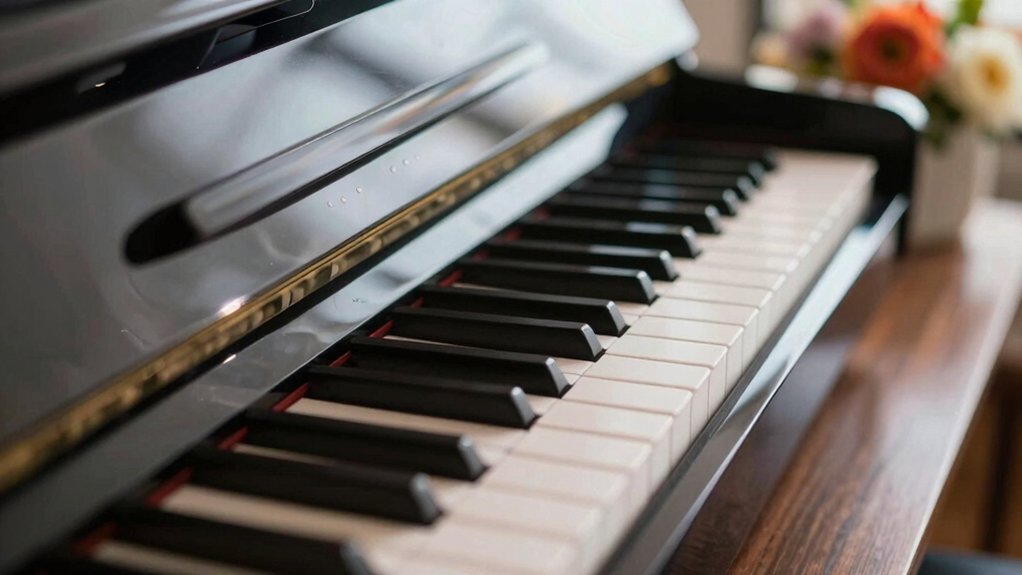
You’re considering a real piano, but a keyboard simulation could be a smarter first step. It lets you explore notes, scales, and chords without cost or space constraints, while shaping your touch and consistency. You’ll compare tones and action before committing, build steady practice habits, and even refine pedal technique in a low-risk setting. If you want to move forward with confidence, you’ll want to see what these simulations can really prepare you for.
Should You Start With a Piano Keyboard Simulation? Key Criteria to Decide
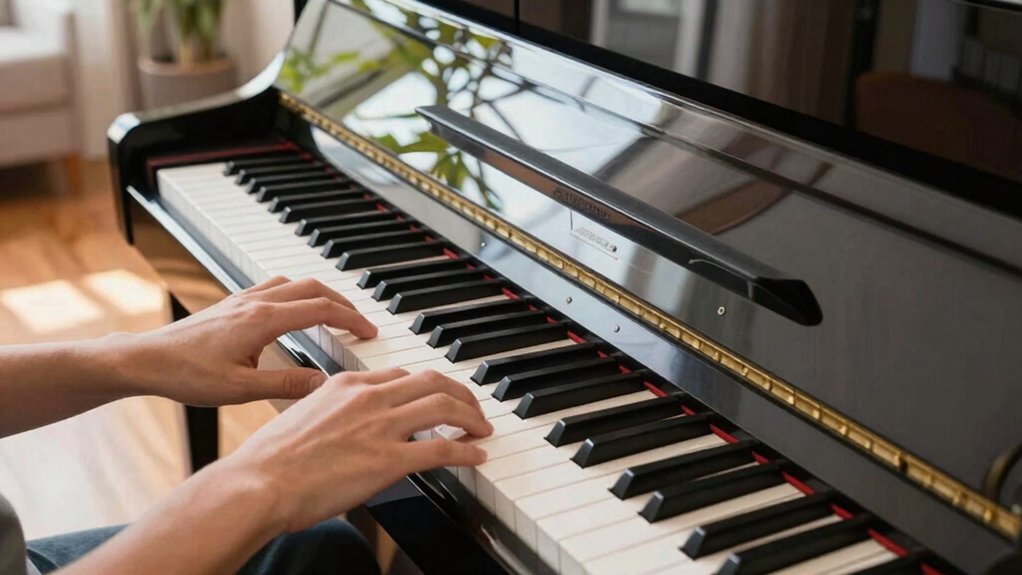
Choosing a piano keyboard simulation is often worth it if you want flexible practice without a physical piano. You should start by evaluating your goals: are you building music theory understanding, or boosting sight reading skills? A good simulator helps you rehearse scales, chords, and rhythms with feedback, which accelerates learning more efficiently than passive listening.
Consider key feel, velocity sensitivity, and interface responsiveness, because these affect how accurately you translate on real keyboards. If your aim is frequent practice and consistent scheduling, a simulation offers reliable, repeatable sessions. However, ensure you’ll still transfer techniques to an actual instrument later.
Use it as a diagnostic tool to confirm progress, not a replacement for hands-on experience.
What Exactly Is a Piano Keyboard Simulation and What Tools Exist
A piano keyboard simulation is a software or online tool that replicates a real piano’s keyboard layout, notes, and sound. You use it to explore keys, scales, and chords without a physical instrument, making practice and experimentation convenient.
These tools range from simple web apps to exhaustive programs that imitate acoustic piano responds and dynamics. Look for features like MIDI support, adjustable touch sensitivity, and integrated metronome to align with your learning pace.
Some simulations include built-in recording, playback, and visual pitch feedback, which helps you track musical creativity over time. Virtual instrument integration lets you route the software into digital audio workstations or other VSTs, broadening your sonic palette.
In short, it’s a practical, scalable stepping stone toward real-piano readiness.
Develop Piano Touch and Dynamics Before You Buy
Developing piano touch and dynamics before you buy saves you from wasting money on a keyboard that doesn’t feel right. You’ll focus on how keys respond, not just how they look.
Practice with scales, arpeggios, and dynamic contrasts to gauge rebound, velocity, and sensitivity. Seek a setup that delivers consistent touch across the keyboard, so you can trust your technique rather than chasing a gimmick.
This is about musical expression, not flashy features. Pay attention to how your tone changes with touch, and note any latency or unevenness that distracts you from playing with intention.
Prioritize control and responsiveness to achieve technical precision, enabling you to transfer practiced skills to a real instrument with confidence.
Your informed choice saves time and improves long-term satisfaction.
Compare Tones and Action With a Simulator Before Committing
You should start by testing tones early and noticing how they compare across simulations.
Feel the action and key resistance to see which model matches your playing style. This quick check helps you decide before you commit.
Tap Into Tones Early
Before committing to a keyboard, compare tones and action with a simulator to identify which model fits your touch and sound best.
Tap into tones early by actively listening for how digital tone responds across registers, not just in the bass. Use the simulator to contrast bright and mellow timbres, noting which profiles feel closest to real piano responses.
This early audition helps you distinguish models whose virtual practice reflects your preferred dynamics, articulation, and sustain. Focus on consistency across velocity ranges, chord voicings, and pedal behavior, ensuring you can reproduce your intended expression.
A thoughtful tonal test minimizes buyer’s remorse and guides future investments, keeping your expectations aligned with practical outcomes rather than marketing promises.
Compare Action Feelings
When evaluating a keyboard, use a simulator to compare action feel across models so you can pick the one that matches your touch. You’ll notice how key resistance, travel, and rebound shape your musical expression and emotional connection with the instrument.
- Assess touch consistency across registers to avoid surprise dynamics.
- Compare lighter and heavier actions to see which suits your technique.
- Note keybed response at speed to judge precision under tempo.
- Gauge rebound feel during chords and arpeggios for comfort and expressiveness.
Establish Consistent Practice Routines Using Digital Tools
Digital tools make it easy to establish consistent practice routines, turning irregular sessions into a steady, measurable habit. You can schedule short daily blocks, track progress, and set clear benchmarks that align with your goals.
Use built-in metronomes, looped phrases, and recording features to monitor tempo, accuracy, and consistency. Digital guides help you structure sessions around technique, repertoire, and musical expression, so you don’t wander or stall.
Regular feedback from apps sharpens sight reading skills as you connect notation to fingerings and phrasing. Automation reinforces accountability, while variety from drills and games keeps motivation high.
With a deliberate routine, you build momentum, reduce friction, and transform practice into a productive, repeatable part of your day.
Understand Pedal Feel and Sustain in a Virtual Setup
You’ve established steady practice with digital tools; now you’ll fine-tune how the pedal behaves in a virtual setup.
In this context, pedal sensitivity matters, shaping how lightly or firmly you press to trigger the sustain. You’ll notice that virtual pedaling can exaggerate or mute release, so calibrate to feel natural.
Sustain simulation should mirror your real piano’s behavior, including partial dampening and gradual decay.
1) Assess how pedal depth translates to note length
2) Test release timing for legato versus staccato passages
3) Compare soft and sostenuto effects in different presets
4) Align your touch to ensure consistent response across songs
Transfer Virtual Skills to a Real Piano Setup
Transferring what you’ve learned in the virtual domain to a real piano takes deliberate mapping between sensations and outcomes. You’ll translate touch, dynamics, and timing from the keyboard simulation into the real instrument by focusing on consistent finger placement and weighted key awareness.
Practice scales and arpeggios with metronome discipline, then compare perceived feel and actual response on a real keyboard. Integrate music theory concepts to guide phrasing, articulation, and harmonic decisions, ensuring your virtual drills align with real musical outcomes.
Maintain instrument maintenance habits alongside skill transfer: clean action, proper bench height, and regular tuning checks support accurate feedback. Use recorded sessions to refine touch, dynamics, and pedal usage so your virtual gains carry into live performances and ensemble settings.
Conclusion
You’ve seen the benefit: bold, budget-friendly practice, and better buyer clarity. By bounding between bytes and keys, you’ll build a balanced, buoyant foundation before buying. So start smart, simulate steadily, and savor subtle shifts in touch, tone, and tempo. With consistent, capable, and curious use, you’ll transfer transferable skills to a real piano, trimming risk and turbocharging your progression. In short, prepare practically, progress predictably, and pursue pianos with confidence.