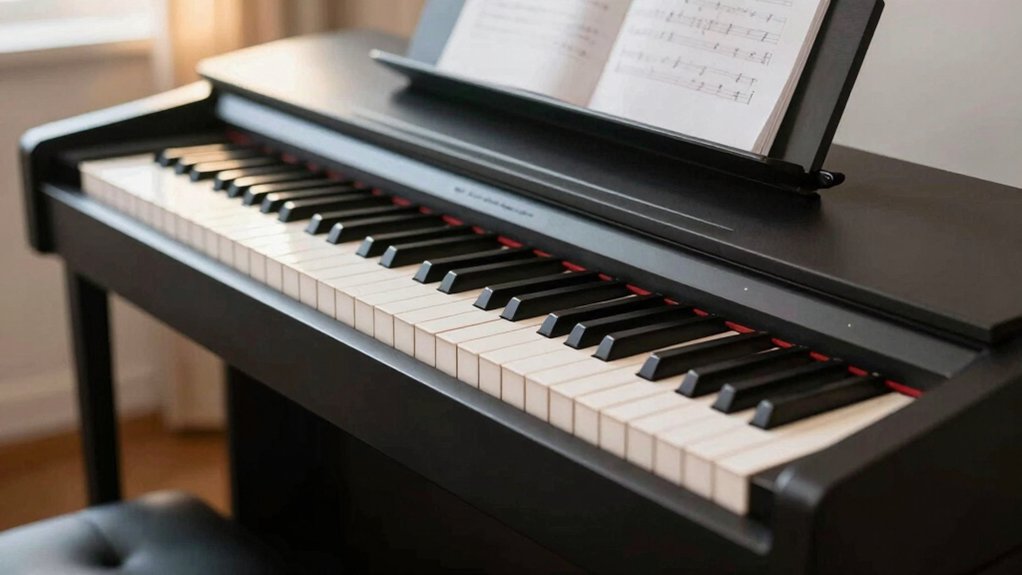
Learning how to avoid expensive digital piano mistakes saves hundreds or thousands of pounds while ensuring your investment actually supports rather than frustrates your musical development and practice goals. The most costly errors aren’t just overpaying for features you’ll never use—they include buying inadequate instruments that require premature replacement, choosing wrong key action types that damage technique development, and falling for marketing specifications that sound impressive but deliver disappointing real-world performance.
This essential guide reveals the specific purchasing mistakes that cost buyers most frequently, which persuasive sales tactics lead to regrettable decisions, how to distinguish genuine quality from clever marketing, and exactly which corners you can safely cut versus which compromises create problems that outweigh any initial savings
You’ll avoid costly missteps by prioritizing touch, sound, and long-term value; you’ll resist flashy features and brand hype; you’ll test for realistic feel, stable connectivity, and reliable responsiveness. You’ll learn which specs actually matter, how to balance budget with progress, and when to buy with timing that supports growth. Stay curious about how these choices affect practice and outcomes, because the right setup isn’t just about price or looks—it’s about sustained musical development.
How to Pick a Beginner Digital Piano Without Overspending
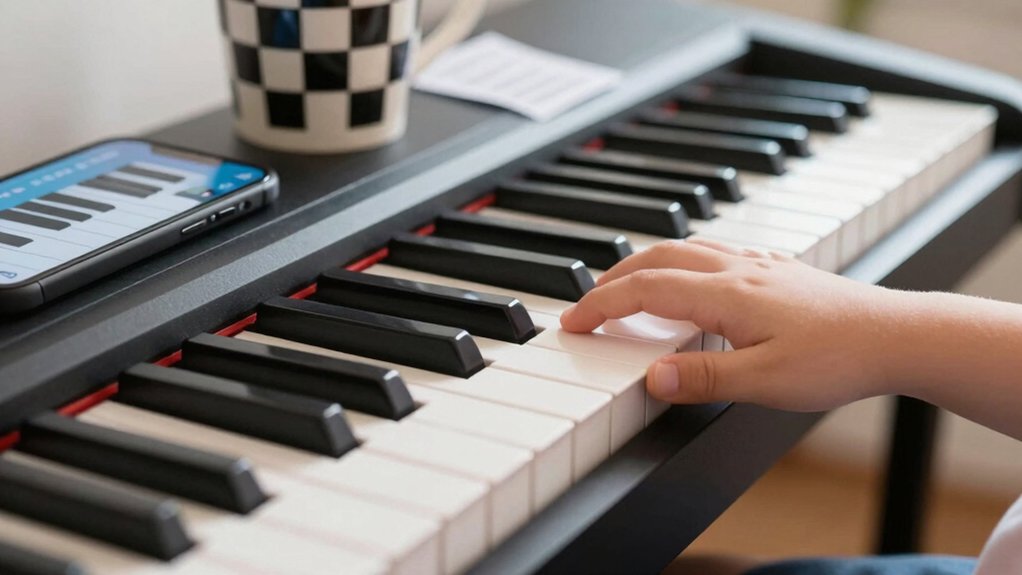
When you’re selecting a beginner digital piano, prioritize realistic touch and feature set over brand prestige or eye-catching aesthetics. You’ll balance cost against performance by targeting weighted keys that mimic hammer action, and by verifying key spacing, aftertouch, and dynamic response.
Focus on essential features: reliable metronome, headphone output, and a solid warranty. Compare sounds across piano and electric piano presets to ensure clear, expressive tone—not just volume.
Consider music theory support, built‑in lesson modes, and transposition options that accelerate learning without extra gear. Check keyboard maintenance requirements: dust seals, keybed durability, and user‑replaceable parts.
Avoid overspending on glossy finishes or gimmicks; invest in dependable core behavior, longevity, and upgrade paths that complement your progress. Your choice should sustain practice, performance, and ongoing education.
What Keyboard Action Matters Most for Beginners
When you choose a beginner keyboard, the action you notice first is how keys respond to touch and how heavy they feel. Focus on key action sensitivity, weight, and feel, since these influence accuracy, tempo, and how long you’ll enjoy practice without fatigue.
A balanced action that’s responsive yet controllable helps you build technique without fighting the instrument.
Key Action Sensitivity
Key action sensitivity is about how the keys respond to your touch, not just how loud you play. You’ll notice this in the feel of hammer or sensor feedback, which shapes your phrasing, dynamics, and accuracy.
For beginners, prioritize a keyboard that preserves touch sensitivity across the entire range, evenly responding to light and heavy taps. Inconsistent response forces you to compensate, masking technique and progress.
Consider how the action translates into real performance: rapid scales, subtle legato, and expressive control matter more than peak volume.
Also assess keyboard ergonomics—how key spacing and keybed height align with your posture and wrist angle, preventing fatigue.
Zero in on a model that maintains consistent touch sensitivity without drift, improving long-term practice quality.
Weight And Feel
Weight and feel matter most for beginners because your comfort directly shapes technique. When you choose a digital piano, consider the action as a primary driver of practice quality.
Weighted keys reproduce resistance, helping you develop finger strength and dynamic control, while unweighted action trains a different muscle memory that can hinder early progress. The key feel should be linear and predictable, with consistent travel and a tactile response that mirrors acoustic pianos without fatigue over long sessions.
Favor models with graded or adjustable resistance to match your hand size and technique goals. Avoid excessively light or mushy keyboards; they mask timing cues and impede expressiveness.
Remember: precise weighted keys and a stable key feel accelerate accurate touch development and longer, injury-free practice.
Avoid Feature Bloat: Essential Specs You Actually Need
You don’t need every modern bell and whistle to get results; focus on essential piano scopes and core specs that drive feel, tone, and reliability.
We’ll cut through feature bloat to match budget-conscious choices with clear limits on what actually matters. This sets the stage for smart decisions that balance playability, sound, and long-term value.
Essential Piano Scopes
When evaluating digital pianos, focus on a core set of features that actually impact playability and sound, not every gadget the seller adds. You’re aiming for reliable touch, sound quality, and practical integration into practice.
- Keyboard action and velocity sensitivity that match your goals, not flashy presets that never become musically useful.
- Speaker or headphone performance, plus a balanced output for clear practice, recording, or small gigs.
- Keyboard stability, firmware updates, and simple maintenance routines, including digital piano maintenance habits you can sustain.
These scopes keep you grounded in real progress. They support beginner practice routines and minimize wasted purchases. Avoid distractions; prioritize solid feel, dependable tone, and update paths that extend your instrument’s life.
Core Spec Limitations
In practice, some digital pianos pile on features that don’t move the needle for most players; the goal is to separate must-haves from gadgets, ensuring you get reliable touch, accurate tone, and solid durability without overpaying for capabilities you’ll never use.
Core spec limits keep you focused on what actually matters: responsive keyboard action, stable polyphony, and dependable amplification. You should prioritize a realistic keyboard feel over flashy key surfaces, and verify that the instrument sustains natural damper behavior at your typical playing dynamics.
Consider digital piano ergonomics when shaping control layouts, seat height, and stand stability, so you won’t fight the design during sessions. Sound customization is useful, but only as far as it helps you sculpt a believable piano tone without adding latency or noise.
Budget-Conscious Choices
Smart budgeting means prioritizing core piano reliability over flashy extras, so you get authentic touch, stable polyphony, and clean amplification without paying for features you won’t use.
When you choose Budget-Conscious Choices, you focus on fundamentals that influence playability and longevity rather than hype.
1) Compare price comparison data across respected brands to guarantee you’re not overpaying for minor upgrades.
2) Consider brand reputation and warranty support as indicators of durable components and accessible service.
3) Favor devices with repeatable, testable feel in key actions and reliable speaker systems rather than marketing gloss.
This approach minimizes risk, keeps maintenance predictable, and translates into consistent practice progress without regrets about unnecessary bells and whistles.
How to Choose Sounds and Connectivity That Fit Your Goals
Choosing sounds and connectivity that align with your goals means starting with a clear target: what’re you trying to accomplish, and what gear is needed to get there?
You’re shaping your tone, repertoire, and workflow, so prioritize sound selection that mirrors real-piano dynamics, expressive range, and articulation. Focus on key features: velocity response, aftertouch, and sample depth, then map them to your preferred genres.
For connectivity options, guarantee stable, low-latency links to headphones, audio interfaces, and speakers, plus reliable MIDI or USB paths for software and plugins.
Don’t chase every feature; choose those that directly support practice, recording, or live performance.
Test with your typical setup, note latency and distortion, and simplify to the essentials that align with your goals.
Build a Budget-Friendly Practice Setup That Accelerates Progress
You’ve got your targets for tone and setup from the last topic; now you’ll build a budget-friendly practice zone that actually moves the needle.
- Prioritize keyboard ergonomics: position the piano height, bench angle, and chair distance to keep wrists neutral and shoulders relaxed during long sessions.
- Use simple maintenance tips: wipe keys after practice, lubricate pedals if needed, and keep cords tidy to avoid trips or accidental disconnects.
- Create a focused routine with affordable upgrades: a metronome app, a stable stand, and a clean mat to reduce slips—all chosen to maximize progress without breaking the bank.
How to Value Vs Price: When to Buy, What to Compare, and Timing
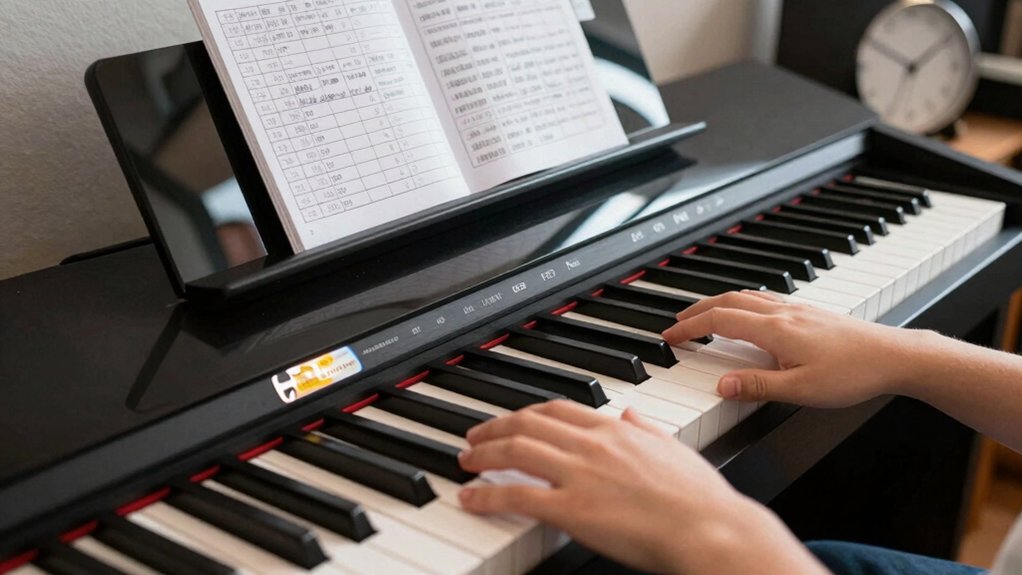
Value isn’t the same as price: effective purchases hinge on how you quantify long-term benefits and total cost of ownership. You’ll compare not just sticker price, but ongoing maintenance, tuning, durability, and resale value.
Start with a baseline: set your core features (weighted by importance) and map prices against them to reveal true value, not hype.
Pricing strategies from reputable brands show where you’ll pay for reliability, sound quality, and aftercare.
When to buy depends on timing signals: seasonal discounts, model refresh cycles, and your readiness to commit to a piano’s workload.
Avoid impulse buys by staging a short hold period to test utility and performance under your practice routine.
Purchase timing aligns with planned practice milestones, budget windows, and long-term ownership goals.
In-Store Vs At-Home Testing: What to Test and How to Avoid Returns
In-store testing and at-home trials each reveal different facets of a digital piano’s reality, so approach both with a concrete checklist: verify touch feel, response, and pedal behavior in person, then validate sound consistency, integration with your space, and long-term stability at home.
- Price comparison across models and stores to make certain you’re not overpaying for perceived features.
- Brand reputation as a predictor of long-term support, firmware updates, and resale value.
- Return strategy, including restocking fees, time frames, and trial limits to avoid hidden costs.
Use a focused test script, note deviations, and compare across environments to avoid surprise refunds. This disciplined approach protects your investment and clarifies true value.
Conclusion
You don’t need the fanciest keyboard to play well—you need the right feel, reliable responsiveness, and a setup that grows with you. Prioritize touch, sound quality, and stable connectivity over bells and whistles. Test in-store and at home, compare like-for-like specs, and time your purchase for the best value. Skip impulse buys, avoid feature creep, and build a practical practice space. With these choices, your progress will explode—yes, faster than a supercharged metronome.